
Play Now
Join a Game
Characters
Shop
Tools
Compendium
Community

Sign In

Play Now
Join a Game
Characters
Shop
Tools
Compendium
Community
Sign In
These last two tabs are being combined because they have very little automation between them. Instead, they're on the sheet for you to make your own.
The notes tab would be an excellent place to store any notes you have about your character's current place in the world: the organizations they're part of, the allies they have, and the enemies they've made. These are the three categories that are on the page by default, but you can add any categories you want using the "+ Add New Category" button. Here's an example of a partially filled out Notes Tab:
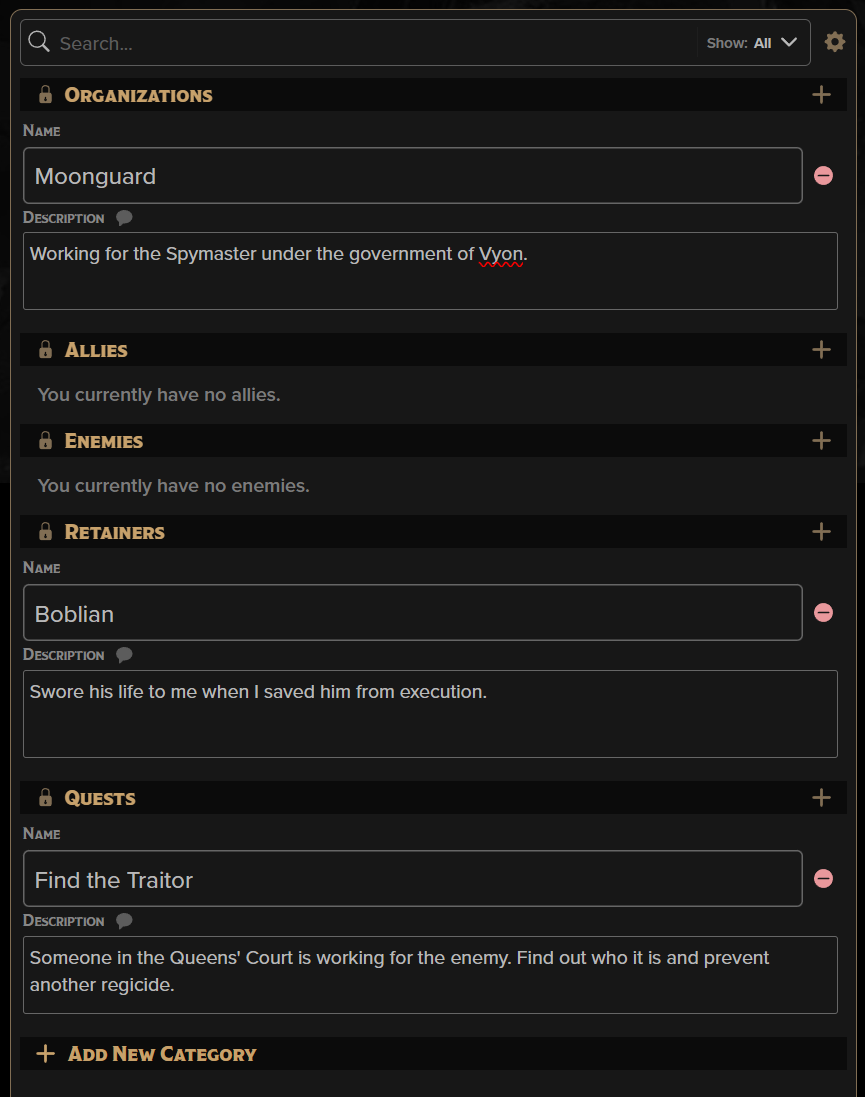
As you can see, we've added sections for "Retainers" and for "Quests" so we can keep track of our goals in the game.
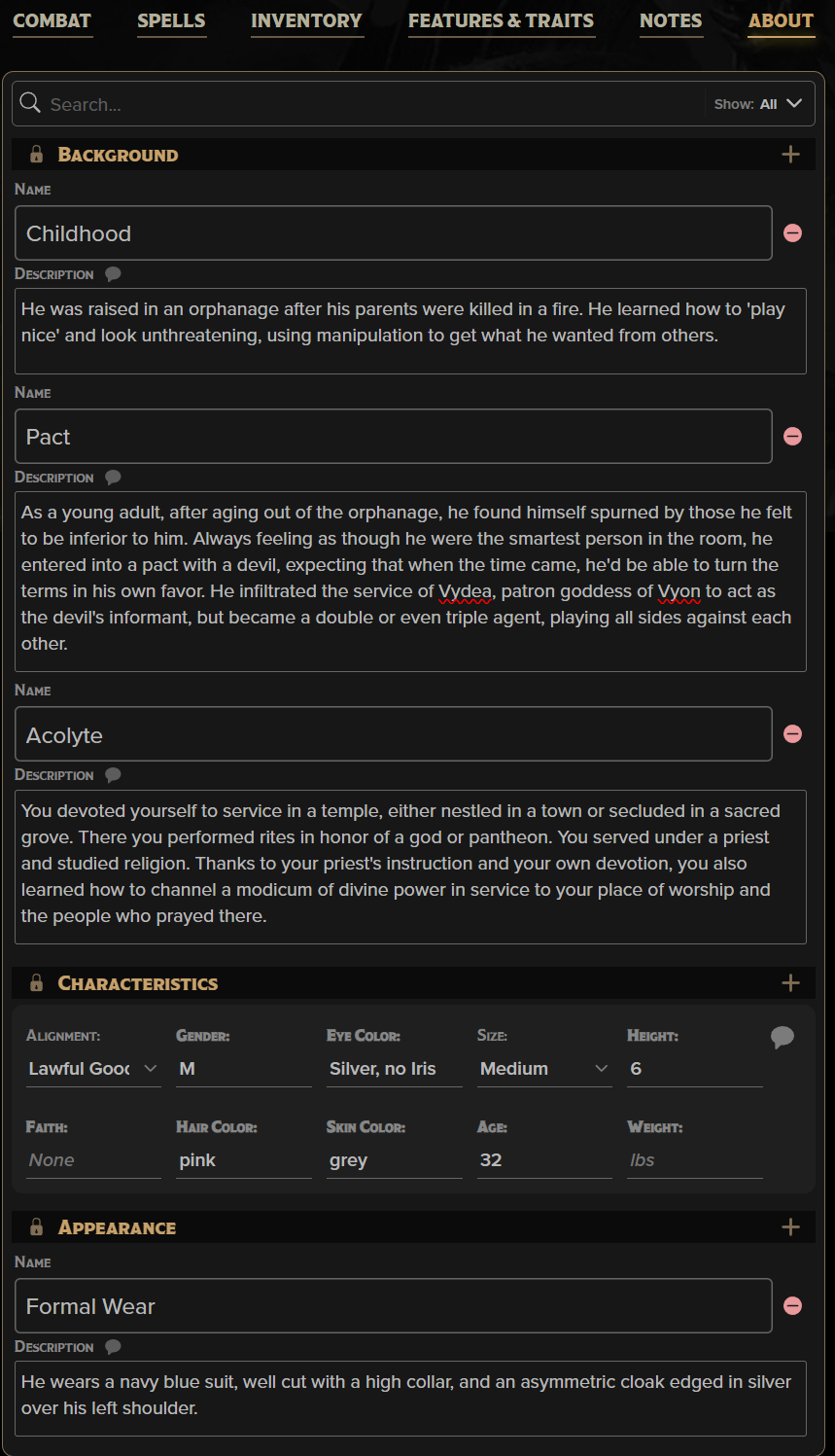
The About tab is very similar, though it does come with a little more automated and guided input. At the top you'll see the text of your background, if you used the builder, followed by some prompts about your character's appearance. In the example below, you can see we also added backstory elements and alternate appearances to the tab so that if the GM asked what the character's wearing at a formal event, we can simply Share to Chat.
Back to the main navigation!
Cookie Preferences